Working with the app:
After the first launch of the mobile application, it will ask for permission to use certain functions
that are necessary for correct application operation. You will need
to approve the request; the program will not otherwise work correctly.
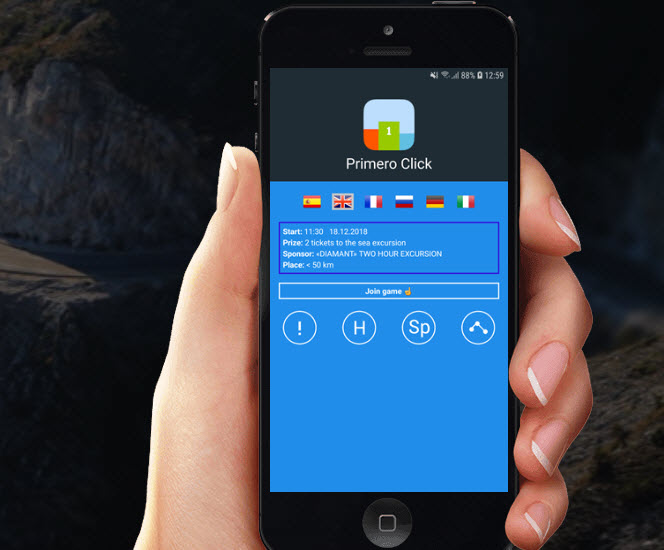
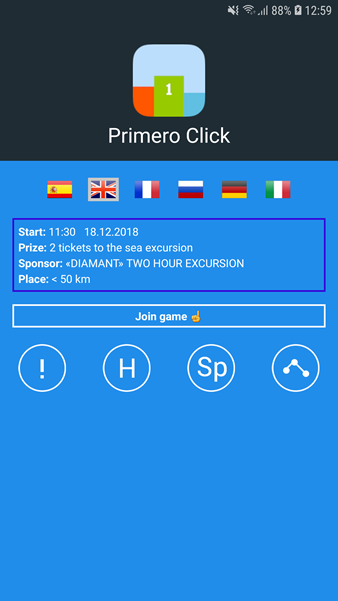
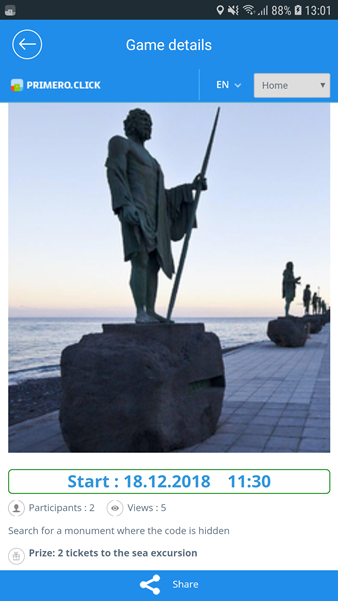
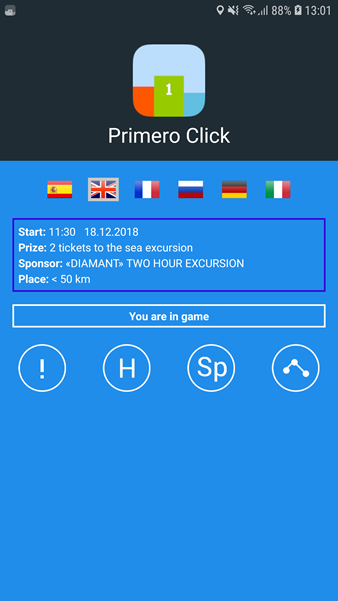
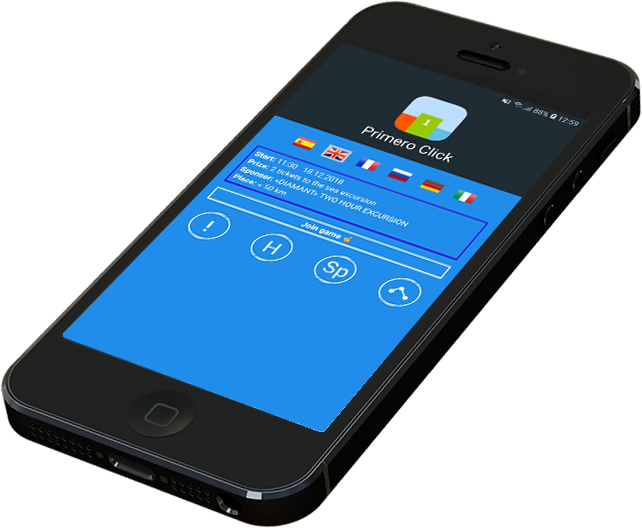
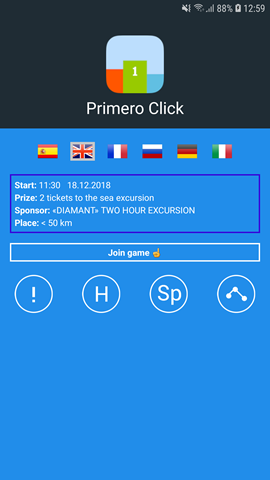
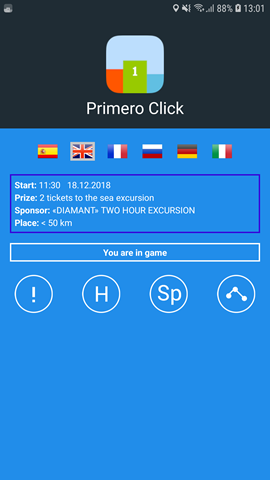
Upon launching the application, you will see the first screen with information about the game:
when it starts, which prize, the game sponsor, and the distance from your location to the sought-after location.
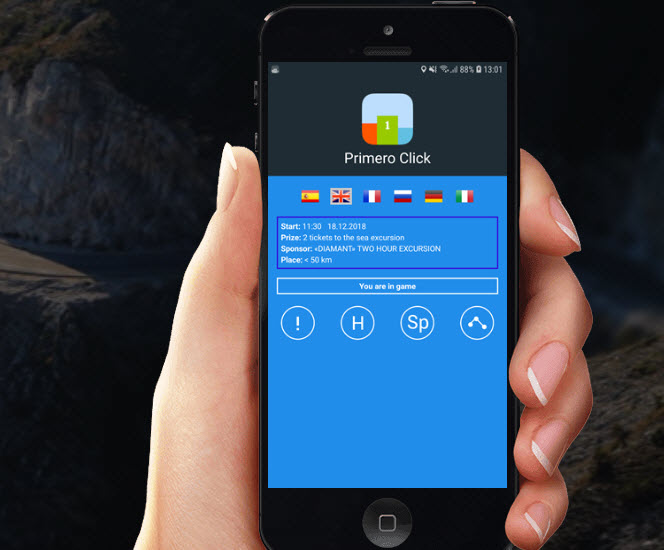
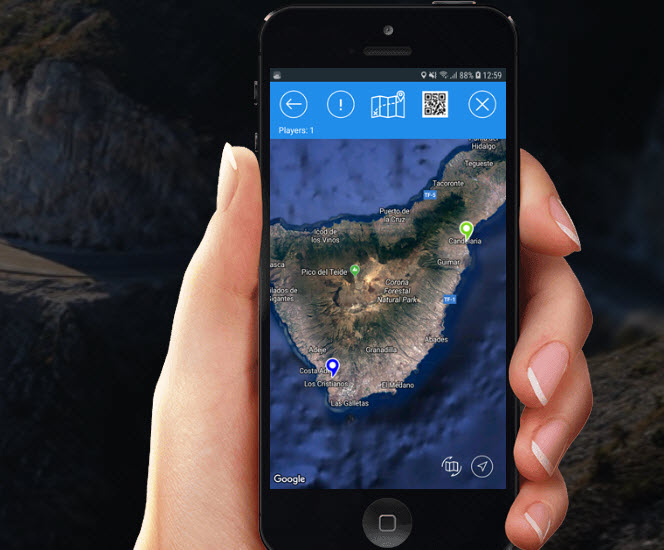
To start playing, press the field with the game information. You will be automatically taken to
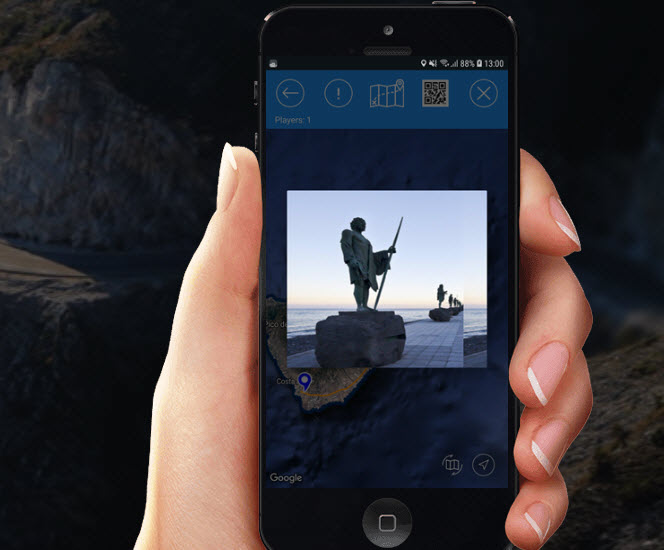
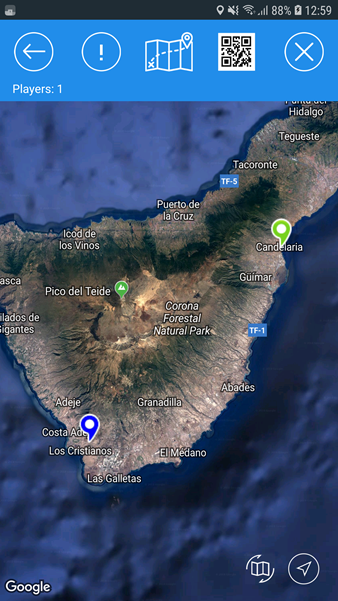
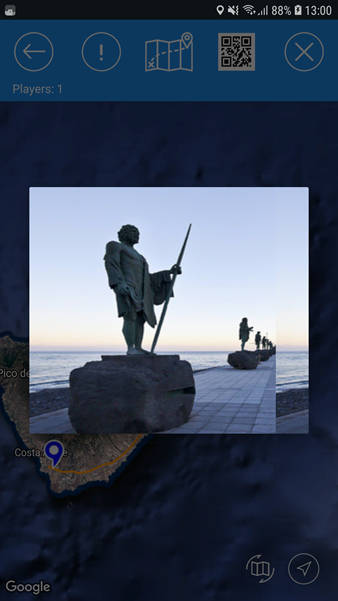
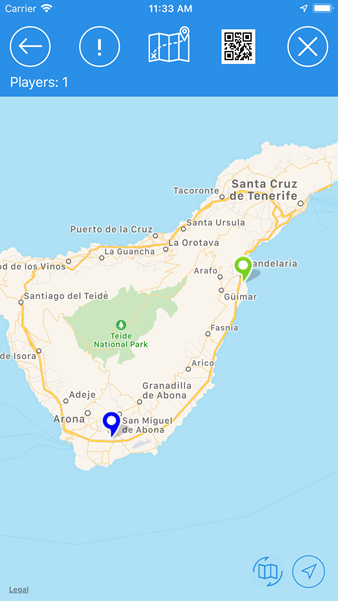
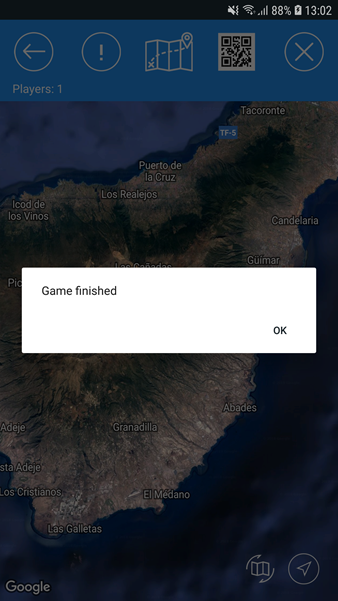
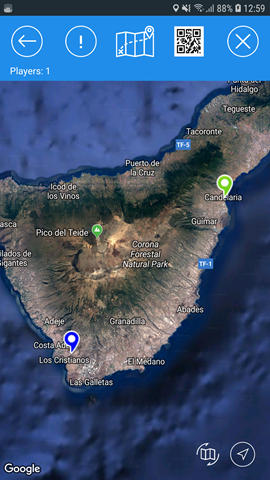
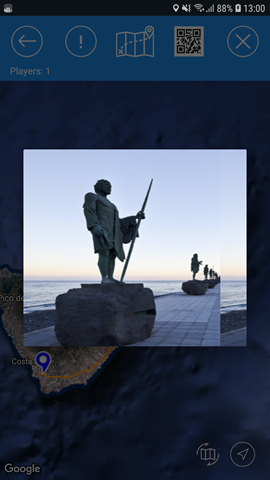
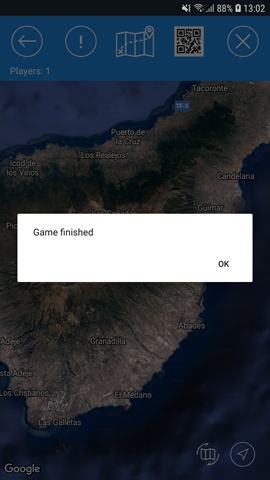
the map with the details about the location to search (green icon). It will also show a picture
of the sought-after location, the total number and location of other participants determined in a
real time (red icons), and your own location (blue icon).
The screen will display the 10 closest participants to the finish line, as well as your location.
The rest of participants who are further away from the prize will be shown as a separate number.
The app screen becomes active only during the date and time displayed in the field with the information.
Until that time, you will not be able to tap the screen to join the game.
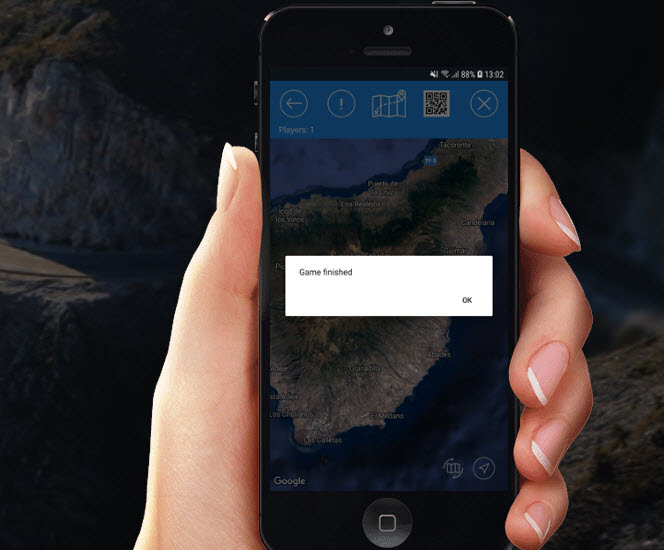
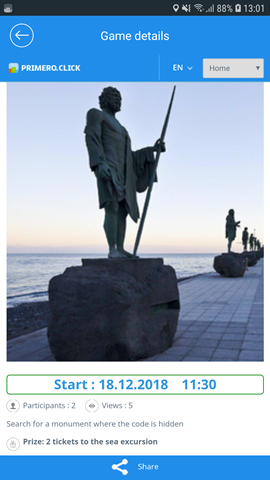
The participant who first reaches the location should find QR code, then click on the icon of QR code in the app and scan it.
If you scanned the QR code correctly, the app will take you to the page to fill in the winner's data: name, phone and email.
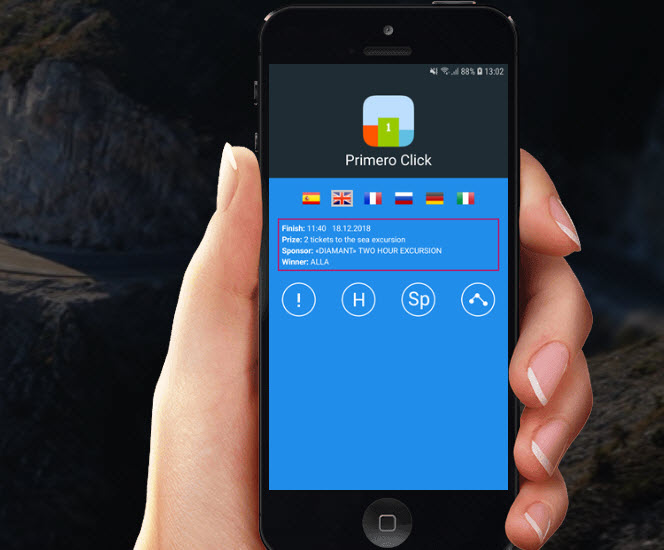
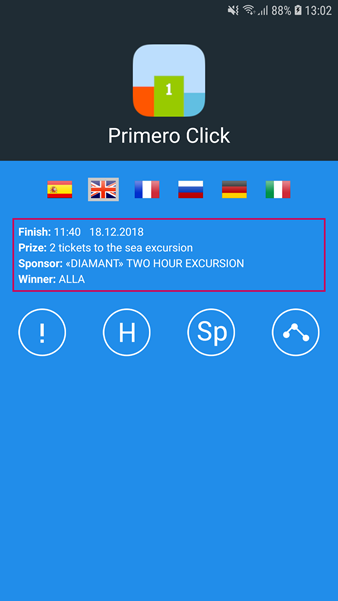
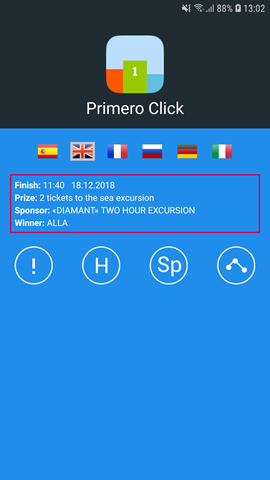
After completing the details, the game will be finished and the other participants of the game will be notified.